A Trustworthy PCB and Electronic Manufacturing Enterprise! Contact Us


Desoldering, or removing solder from a PCB, is a routine task during prototype rework, component replacement, or fixing solder bridges. Many hardware teams run into desoldering issues at the prototype stage. A small mistake during rework can ruin an expensive PCB, especially custom RF boards built on premium high-frequency materials. While it sounds straightforward, improper heating or rough handling can easily cause lifted pads, broken traces, or substrate damage — especially for high-frequency materials like Rogers 5880.
In this guide, we cover practical, safe methods to remove solder from circuit boards, along with common pitfalls to avoid.
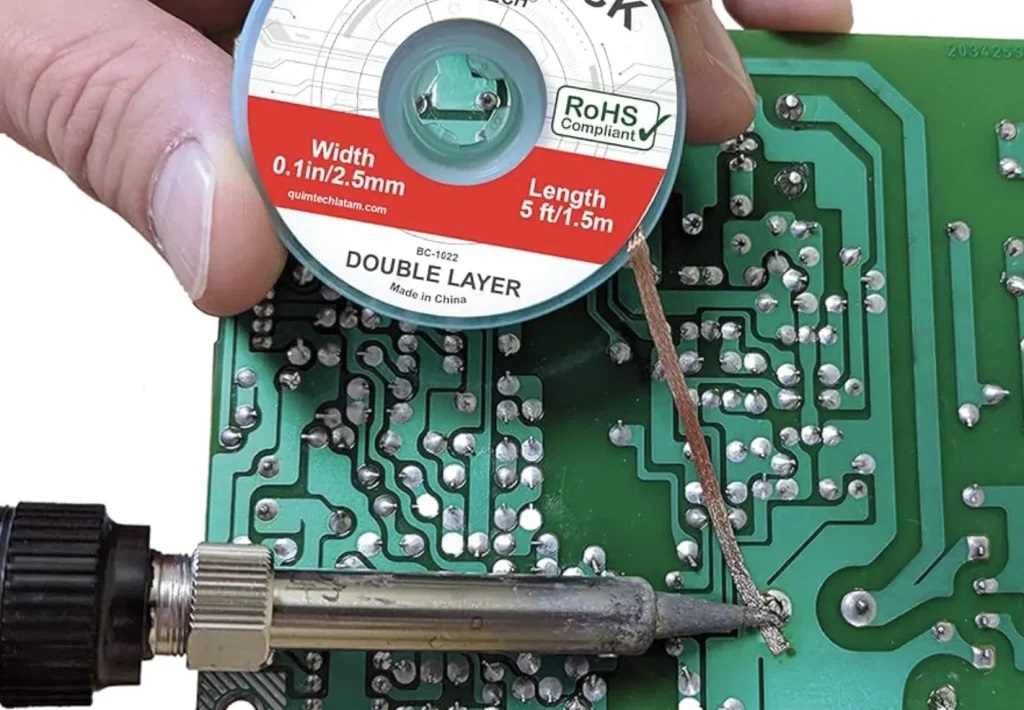
1. Solder Wick (Desoldering Braid) – Best for Small SMD Solder Joints
Solder wick is ideal for clearing solder bridges and small surface-mount pads.
Steps: Add a small amount of flux to the solder joint. Flux improves solder flow and reduces thermal stress.
Place the wick over the solder spot.
Press your heated soldering iron on top of the braid.
The molten solder will soak into the copper braid.
Once solder is absorbed, lift both iron and wick at the same time.
Cut off the used section of the braid and repeat if needed.
Pros: Low cost, great for fine SMD pads
Cons: Not efficient for large volume of solder
2. Solder Sucker (Desoldering Pump) – Best for Through-Hole (THT) Pins
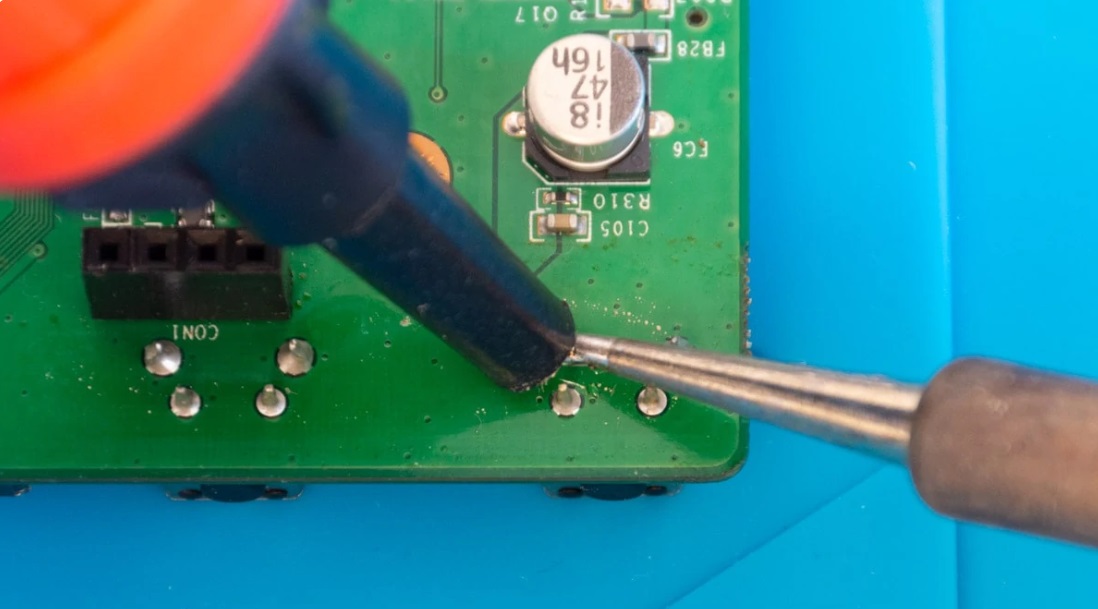
This is the go-to tool for through-hole component pin removal.
Steps: Apply flux to the solder joint.
Heat the solder with your soldering iron until it fully melts.
Immediately trigger the solder sucker to vacuum away the liquid solder.
Reheat and re-suck if residual solder remains in the hole.
Pros: Clears solder from plated through holes quickly
Cons: Hard to use on tiny SMD pads
3. Hot Air Rework Station – For Multi-Pin Chips (QFP, QFN)
Hot air works for ICs with many pins.
Steps: Apply flux evenly across all pins.
Set proper temperature and airflow.
Do NOT use excessive air pressure, which can blow small passive components away.
Heat the whole IC evenly until all solder melts.
Lift the chip with tweezers gently.
Use solder wick to clean leftover solder on pads.
Important note for RF PCBs: For Rogers and other high-frequency laminates, keep heating time short.
These materials are more sensitive to prolonged high heat than standard FR-4 boards. Overheating may delaminate the substrate.
What Tools Do You Need for PCB Desoldering?
Before starting any rework, prepare the right tools to minimize PCB damage:
Temperature-controlled soldering iron
Solder wick / desoldering braid
Solder sucker (manual or electric)
Hot air rework station (for multi-pin SMD ICs)
No-clean or rosin-core flux
Anti-static tweezers
Isopropyl alcohol and swabs (for post-rework cleaning)
Anti-static protection is also recommended when working with sensitive electronic components, to prevent ESD damage.
Critical Tips to Protect Your PCB
Always use flux. It is not optional. Without flux, solder becomes sticky and needs longer heating, raising the risk of pad lift.
Do not pull components before solder is fully melted. This is the #1 reason for ripped pads.
Keep heating time as short as possible. Local overheating destroys pads and laminate.
Control temperature carefully on thin boards or high-frequency substrates like Rogers 5880.
Common Mistakes to Avoid
Skipping flux
Holding the iron on one spot for too long
Using too much hot air and blowing nearby small resistors/capacitors off
Trying desoldering on already damaged or thin traces
Overheating Rogers high-frequency PCBs
FAQ
Q1: Can I remove solder without a solder sucker?
A: Yes. Solder wick is the main alternative for most small rework jobs.
Q2: What if I lift a pad during desoldering?
A: Lifted pads are hard to fully repair. Prevention is always better than repair. For critical prototype boards, minimize repeated rework.
Q3: Can you desolder Rogers PCB?
A: Rogers boards can be desoldered, but they require tighter temperature control and shorter heating cycles due to their material properties. Extended heat exposure may lead to delamination.
Q4: Is no-clean flux okay for PCB desoldering?
A: Yes, no-clean flux works well for rework. If you leave residual flux on high-frequency PCBs, clean it with isopropyl alcohol. Flux residue may affect RF performance on Rogers boards.
Q5: Does desoldering affect PCB impedance?
A: Repeated local heating may change material properties locally on high-frequency laminates. For impedance-controlled RF PCBs, limit rework operations as much as possible.
Wrap-up
Removing solder successfully comes down to the right tool, enough flux, and controlled, short heating. Whether you are working on simple FR-4 prototypes or sensitive Rogers RF circuit boards, protecting pads and substrate should always be your top priority.